
Make it easier to manage, review, and audit supporting documentation in Sage Intacct. In this video, we will explore how Sage Intacct attachments help you connect important files, such as vendor W-9s, AP bills, invoices, approval emails, and other documents, directly to the records and transactions they support.
You will also learn how administrators can streamline the attachment process with document sequencing, organize files using attachment folders, and understand key permissions and storage considerations. Whether you are managing AP documentation, vendor records, or audit support, Sage Intacct attachments can help keep your financial records better organized and easier to access.
In this video you’ll learn:
How to add and view Sage Intacct attachments on vendor records, AP bills, journal entries, invoices, and other transactions
How to set up attachment document sequencing and organize files using attachment folders
How attachment permissions, storage limits, and folder restrictions work in Sage Intacct
Related Videos

Spine Team Texas scales healthcare finance with Sage Intacct
See how Spine Team Texas moved from Sage 500 to Sage Intacct with Rand Group, improving multi-company accounting and healthcare financial reporting while supporting continued growth without increasing finance staff.
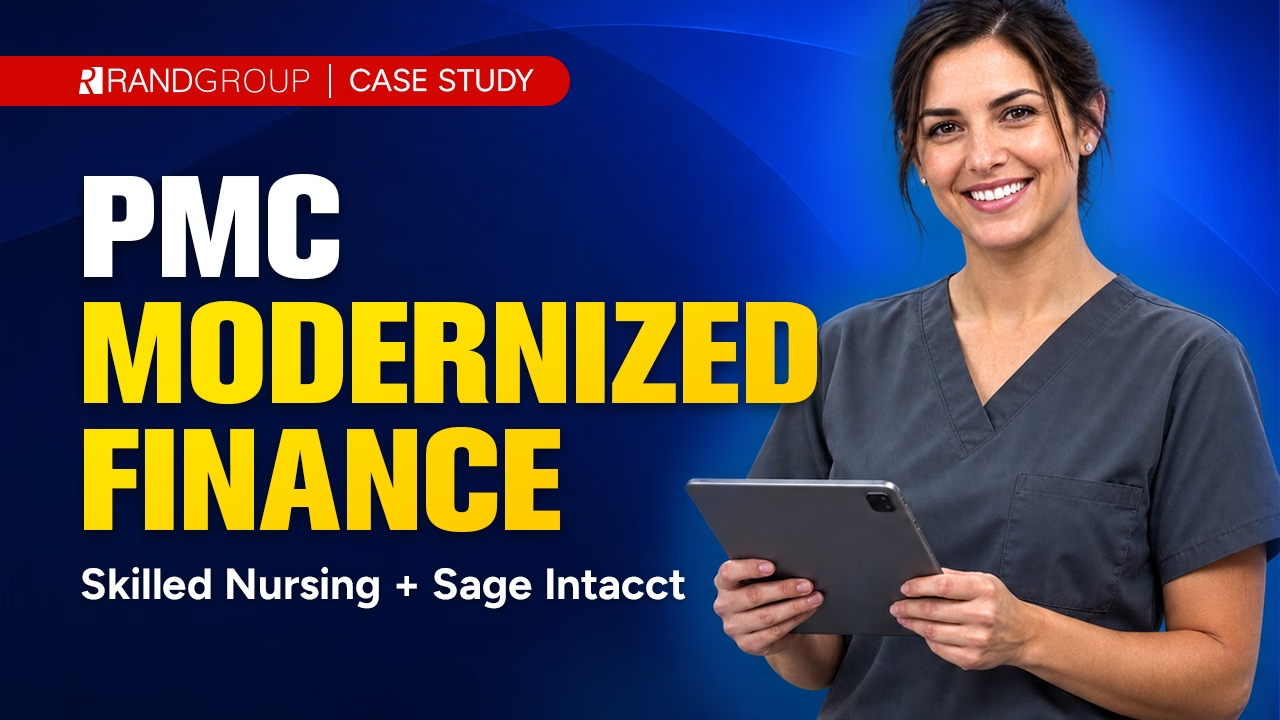
PMC modernizes skilled nursing financial operations with Sage Intacct
In this case study video, Plantation Management Company shares how it moved from aging, disconnected accounting systems to Sage Intacct with Rand Group’s guidance. Learn how PMC consolidated roughly 30 entities, supported skilled nursing reporting, integrated key systems, and reduced both reporting time and accounting input time by 50%.
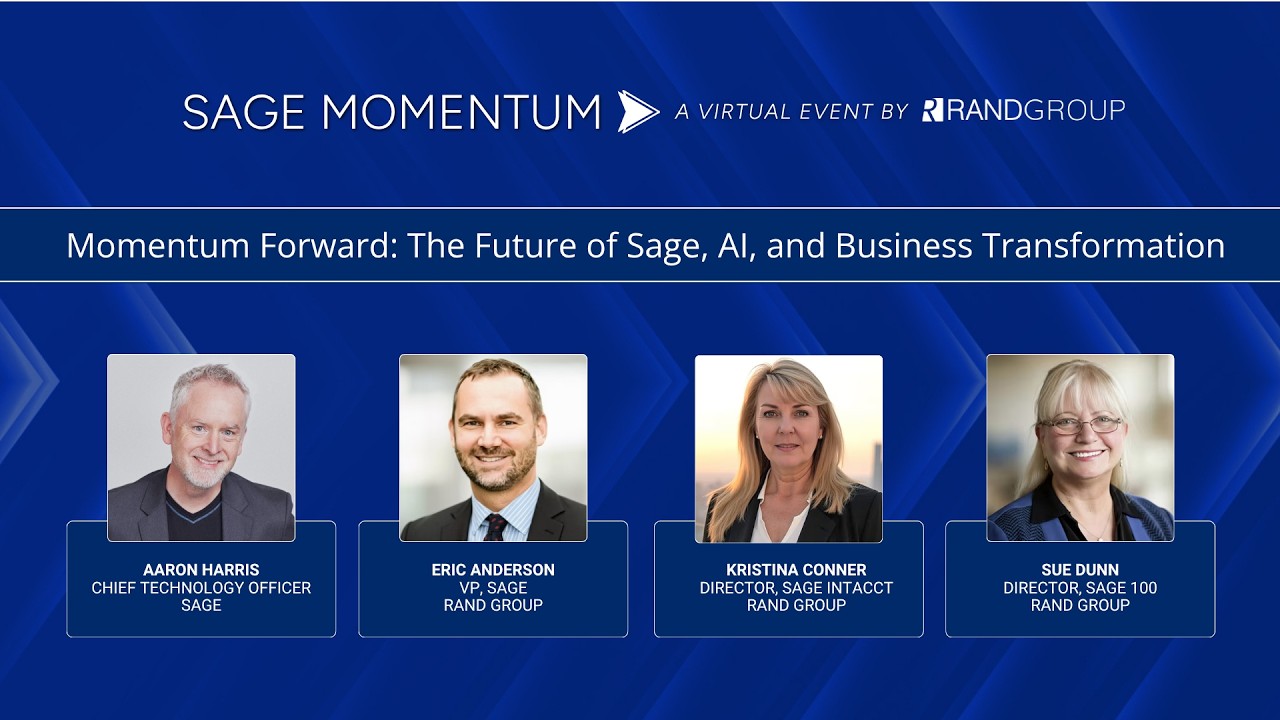
Momentum forward: The future of Sage, AI, and business transformation
Learn how Sage is approaching AI, automation, and financial software innovation across Sage Intacct and Sage 100. This keynote discussion covers trustworthy AI, agentic technology, human oversight, and how organizations can evaluate the right Sage solution for their needs.