
Simplify and streamline your bank reconciliation process with Sage Intacct Bank Feeds. In this video, we walk through how to connect your bank accounts, automate transaction matching, and create intelligent bank rules that reduce manual work and improve reconciliation accuracy. From understanding bank feed setup to troubleshooting common authentication issues, this session provides practical guidance for organizations looking to modernize their cash management workflows.
You’ll also see how to leverage match rules and create rules to automate recurring transactions, manage reconciliation exceptions, and export reconciliation activity for additional review in Excel. Whether you’re just getting started with bank feeds or looking to optimize your current process, this session highlights best practices, common pitfalls, and real-world tips to help your finance team work more efficiently in Sage Intacct.
In this video you’ll learn:
How to set up and configure Sage Intacct Bank Feeds, including authentication and connectivity best practices
How to create and manage bank match rules and create rules to automate transaction reconciliation
How to troubleshoot unmatched transactions, export reconciliation data, and maintain cleaner bank reconciliation processes
Related Videos
PMC modernizes skilled nursing financial operations with Sage Intacct
In this case study video, Plantation Management Company shares how it moved from aging, disconnected accounting systems to Sage Intacct with Rand Group’s guidance. Learn how PMC consolidated roughly 30 entities, supported skilled nursing reporting, integrated key systems, and reduced both reporting time and accounting input time by 50%.
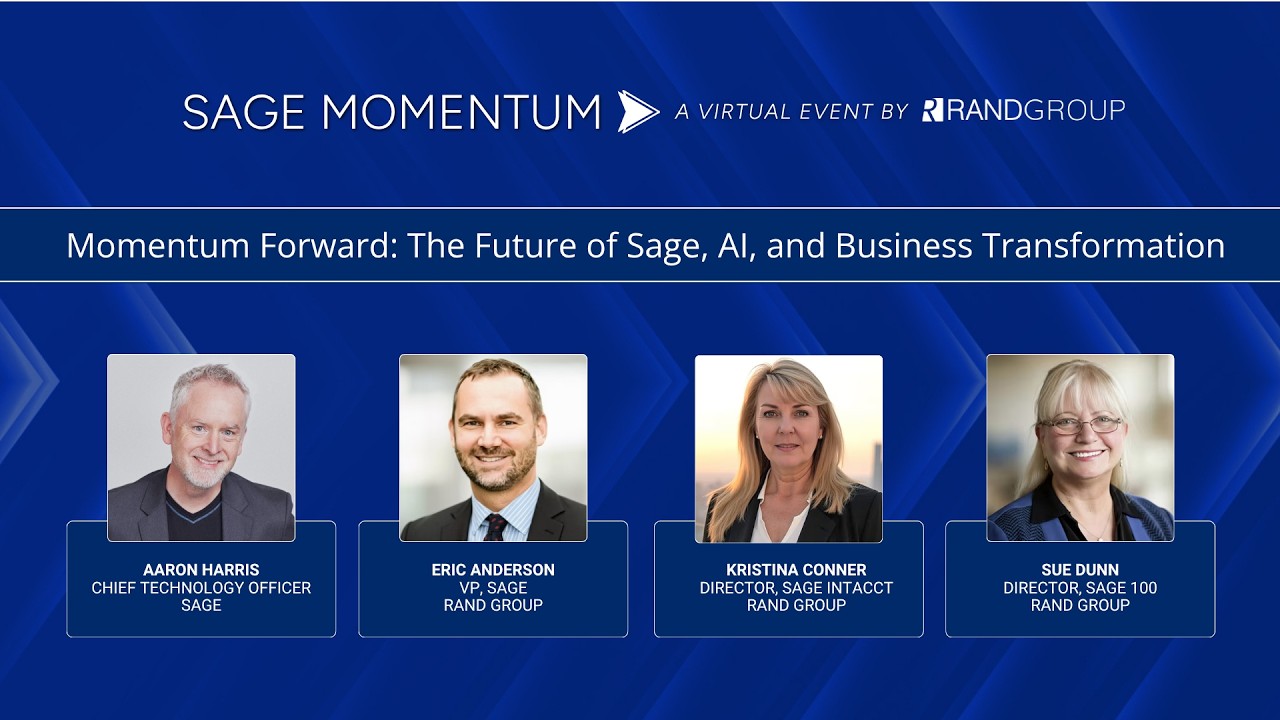
Momentum forward: The future of Sage, AI, and business transformation
Learn how Sage is approaching AI, automation, and financial software innovation across Sage Intacct and Sage 100. This keynote discussion covers trustworthy AI, agentic technology, human oversight, and how organizations can evaluate the right Sage solution for their needs.

Sage Intacct multi entity consolidation
Learn how Sage Intacct helps organizations simplify multi-entity accounting, automate intercompany balancing, and streamline consolidations. This video demonstrates how finance teams can reduce manual maintenance while gaining flexible reporting across entities, groups, and consolidated books.