
Experience the full potential of the Sage 100 Business Insights Explorer, a user-friendly tool for data management. Learn how to use Business Insights Explorer views to access, customize, and analyze customer history invoices or other tasks efficiently. Discover how to tailor data grids, filter and group information, and create custom views to streamline your reporting process. Whether you’re a skilled Sage 100 user or just getting started, you’ll learn valuable tips to manage data more effectively. Plus, you’ll see how to export reports to Excel or Word, making it easier than ever to share and analyze your results. Continue learning with Part 2 and Part 3 of the Sage 100 Business Insights Explorer series.
This video is also available as a blog: Discover Sage 100 Business Insights Explorer.
In this video you’ll learn how to:
Customize grids, filter data, and group information for a tailored view
Export data to Excel, Word, or other applications for further analysis
Save and toggle between public and private custom views to maintain consistency
Related Videos

Dashboard reporting Sage Business Insights – session III
Learn how to set up and use the Sage 100 Business Insights dashboard to give users quick access to charts, summaries, and role-specific reporting. This video demonstrates dashboard activation, user configuration, data refreshes, drill-down reporting, and additional Sage 100 reporting options.
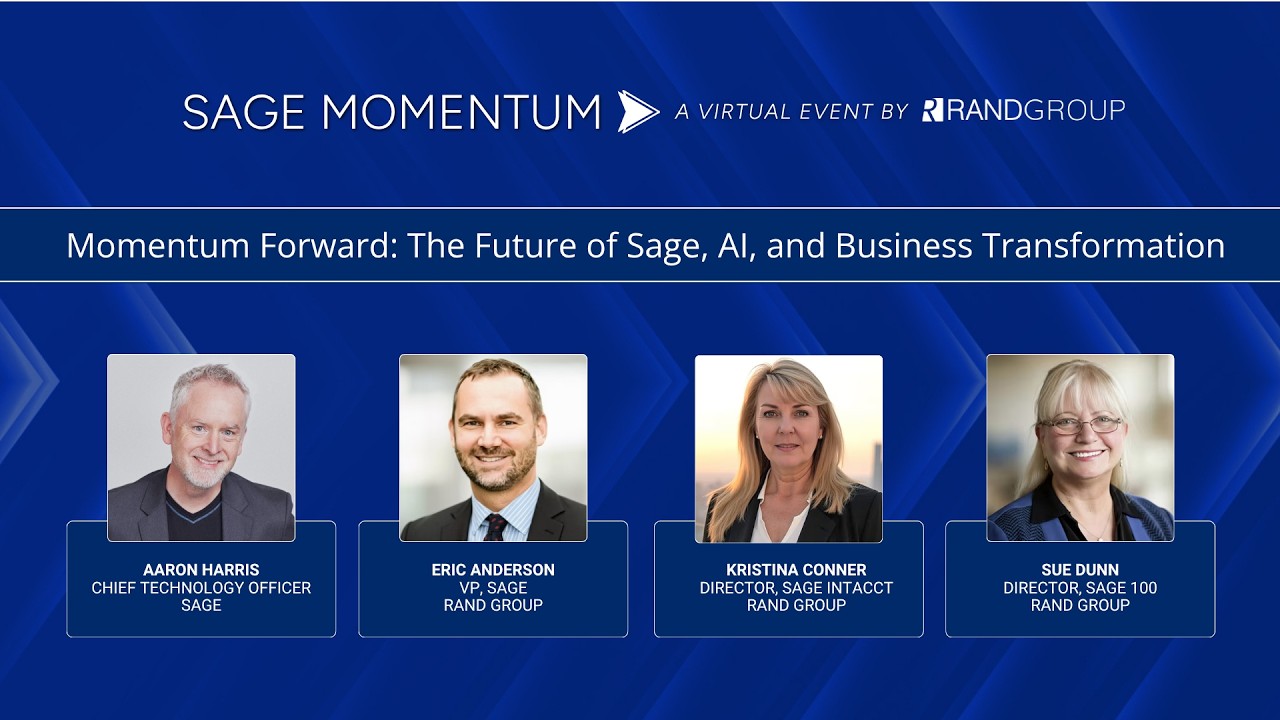
Momentum forward: The future of Sage, AI, and business transformation
Learn how Sage is approaching AI, automation, and financial software innovation across Sage Intacct and Sage 100. This keynote discussion covers trustworthy AI, agentic technology, human oversight, and how organizations can evaluate the right Sage solution for their needs.

Sage 100 warehouse management — transform your warehouse management
Learn how ScanForce warehouse automation helps Sage 100 users improve inventory accuracy, streamline receiving and picking, and reduce manual warehouse processes. This video covers barcode scanning, multi-bin inventory, directed picking, manufacturing transactions, and more.