QuickBooks to Sage Intacct migration
Move from QuickBooks to a cloud-native financial management platform designed to support more complex financial requirements. Rand Group helps growing organizations transition to Sage Intacct with end-to-end migration services, from planning and data preparation to configuration, integrations, training, go-live, and ongoing support.

Is it time to move from QuickBooks to Sage Intacct?
QuickBooks can provide a strong accounting foundation, but growing organizations may reach a point where their financial requirements become more complex than their current system can efficiently support. Increasing reliance on spreadsheets, repetitive data entry, more complicated reporting, multiple entities or locations, and disconnected business systems can all signal that it is time to consider a more robust financial management platform.
Sage Intacct provides a cloud-native environment designed to help finance teams manage increasing complexity with greater automation, reporting capabilities, controls, and connectivity. Moving to Sage Intacct can help reduce manual work while giving your organization a financial foundation designed to support evolving requirements.

Reduce spreadsheet-heavy processes
Move recurring financial processes and analysis out of disconnected spreadsheets and into a more structured financial management environment. Sage Intacct helps centralize financial data and reduce the manual effort required to compile, reconcile, and report on information across the business.

Automate more financial work
Reduce repetitive tasks with automation and configurable workflows across core financial processes. Sage Intacct can streamline approvals, accounts payable, accounts receivable, consolidations, and other routine activities, giving finance teams more time for analysis and higher-value work.

Gain greater reporting and financial visibility
Go beyond standard accounting reports with multidimensional reporting and configurable dashboards. Analyze performance across departments, locations, entities, projects, and other business dimensions without relying on extensive spreadsheet manipulation to get the insights you need.
Key differences between QuickBooks and Sage Intacct
QuickBooks and Sage Intacct are designed for different levels of financial complexity. QuickBooks provides accessible accounting capabilities for small and growing businesses, while Sage Intacct is a cloud-native financial management platform designed for organizations that need more advanced automation, reporting, controls, and multi-entity capabilities.

White Paper
Life after QuickBooks: Is your business ready for Sage Intacct?
Move beyond QuickBooks with Sage Intacct
Moving from QuickBooks to Sage Intacct gives your finance team access to capabilities designed to support more complex financial processes and reporting requirements. Sage Intacct combines automation, multidimensional reporting, configurable workflows, and connected financial management in a cloud-native platform that can evolve as your organization grows.
With Sage Intacct, your organization can:
- Automate financial processes: Reduce repetitive work with automation across core accounting processes, approvals, consolidations, and other financial workflows.
- Gain deeper financial insights: Use multidimensional reporting and configurable dashboards to analyze performance across departments, locations, projects, entities, and other business dimensions without relying on extensive spreadsheet manipulation.
- Simplify multi-entity management: Manage financials across multiple entities while streamlining intercompany transactions, consolidations, and eliminations and maintaining both entity-level and consolidated visibility.
- Strengthen workflows and controls: Configure approvals, roles, permissions, and financial workflows around your organization’s processes and control requirements.
- Connect critical business systems: Integrate Sage Intacct with CRM, payroll, expense management, budgeting, industry-specific applications, and other systems your organization relies on.
- Put AI to work in finance: Use Sage Intacct’s AI-powered capabilities to help automate routine tasks, identify unusual activity, and support more efficient financial processes.

Rand Group had experience with other groups in our industry, and the positive feedback we heard helped us feel confident in our choice. They helped us build the industry-specific reports we needed, but they did not just do it for us. They explained the system, gave us the tools to understand it, and helped us become self-sufficient. It has been a great partnership.
How your QuickBooks to Sage Intacct migration works







Move your QuickBooks data with confidence
Your QuickBooks environment may contain years of financial history, along with the customer, vendor, account, and transaction data your team relies on every day. A successful migration starts by determining what information needs to move to Sage Intacct, how it should be structured in the new system, and how much historical detail your organization needs to retain for reporting and analysis.
Rand Group works with your team to prepare, cleanse, map, convert, and validate the QuickBooks data included in your migration. This can include your chart of accounts, customers, vendors, opening balances, transactions, and historical financial information. Along the way, we help identify duplicate or inactive records, map existing data to your new Sage Intacct structure and dimensions, and reconcile migrated information so your team can begin working in Sage Intacct with confidence.
Featured Video
See a QuickBooks to Sage Intacct migration in action
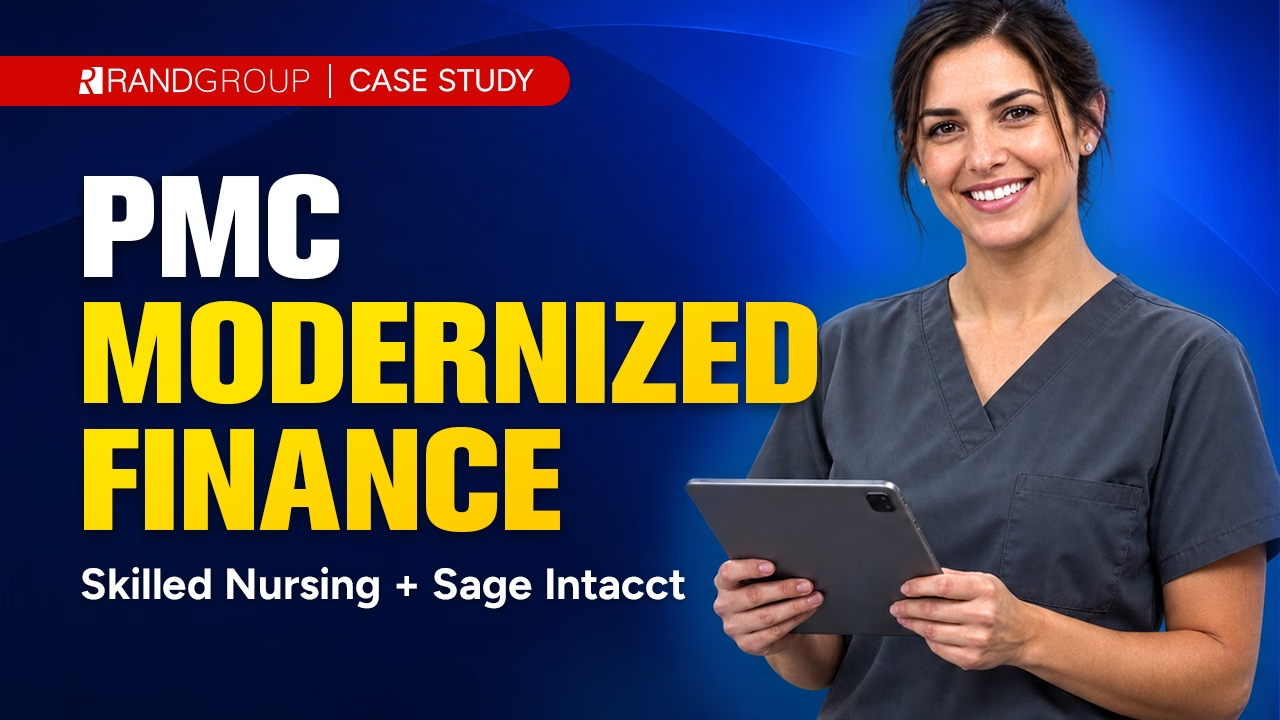
See how Plantation Management Company consolidated financial management from American HealthTech and QuickBooks into Sage Intacct across roughly 30 entities. In this case study video, learn how the skilled nursing organization worked with Rand Group to modernize its accounting environment, streamline multi-entity financial management, and cut both accounting input time and income-statement reporting time by 50%.
Why partner with Rand Group?
Top North American Sage partner
Rand Group is among the top Sage partners in North America, bringing extensive Sage Intacct expertise to migration projects. Our team helps organizations plan their transition to Sage Intacct and build an environment aligned with their financial processes, reporting requirements, integrations, and future goals.
A partner for the long term
Our relationship continues after your Sage Intacct implementation goes live. Rand Group provides ongoing Sage Intacct support, training, administration, integrations, and optimization services to help you get more from the platform and adapt your financial environment as your organization and requirements evolve.
End-to-end migration support
Work with one team throughout your transition from QuickBooks to Sage Intacct. Rand Group can support migration planning, QuickBooks data preparation and conversion, Sage Intacct configuration, integrations, testing, training, go-live, and post-implementation optimization, helping maintain continuity throughout the project.
QuickBooks to Sage Intacct migration expertise
Rand Group has experience managing migrations from QuickBooks to Sage Intacct. Our team understands the data conversion, mapping, configuration, and process considerations involved in moving from QuickBooks to a more sophisticated financial management platform, helping determine how your existing financial data and processes should translate into your new Sage Intacct environment.
Explore resources for your QuickBooks to Sage Intacct migration
Explore guides, articles, case studies, and other resources to help you evaluate and plan your move from QuickBooks to Sage Intacct. Find insights on preparing for migration, understanding Sage Intacct capabilities, and making the transition to a more robust financial management platform.
No results found. Please try a different filter combination.




Sage Intacct Construction vs QuickBooks




QuickBooks to Sage Intacct Migration

QuickBooks vs Sage Intacct Construction
Frequently Asked Questions (FAQs)
When should a business move from QuickBooks to Sage Intacct?
A business may consider moving from QuickBooks to Sage Intacct when its financial requirements become difficult to manage efficiently within its current accounting environment. Common signs include increasing reliance on spreadsheets, repetitive manual processes, more complex reporting requirements, multiple entities or locations, more sophisticated approval and control requirements, and a growing need to connect finance with other business systems.
What is the difference between QuickBooks and Sage Intacct?
QuickBooks is primarily designed to provide accounting and financial management capabilities for small and growing businesses. Sage Intacct is a cloud-native financial management platform designed for organizations with more complex requirements, including multidimensional reporting, financial automation, configurable workflows and controls, and multi-entity financial management.
What QuickBooks data can be migrated to Sage Intacct?
QuickBooks data migrated to Sage Intacct can include the chart of accounts, customers, vendors, balances, transactions, and other financial records. The exact data included depends on your QuickBooks environment, data quality, reporting requirements, and how much historical information your organization needs in Sage Intacct.
Can historical QuickBooks data be migrated to Sage Intacct?
Yes. Historical QuickBooks data can be migrated to Sage Intacct, but moving every historical transaction is not always necessary. During migration planning, Rand Group works with your team to determine how much history should be converted based on your reporting, audit, compliance, and business requirements and how older information that is not migrated should be retained.
How long does a QuickBooks to Sage Intacct migration take?
The timeline varies based on factors such as the volume and quality of QuickBooks data, number of entities, Sage Intacct modules being implemented, integrations, reporting requirements, configuration complexity, testing, and internal resource availability. A migration assessment helps establish the scope and a realistic implementation timeline.
Can Sage Intacct manage multiple companies or entities?
Yes. Sage Intacct supports multi-entity financial management, including intercompany transactions, consolidations, and eliminations. Finance teams can manage individual entities while also reporting across the consolidated organization, making multi-entity requirements a common reason growing organizations evaluate a move beyond QuickBooks.
What happens to our QuickBooks integrations when we move to Sage Intacct?
Existing QuickBooks integrations should be evaluated as part of migration planning rather than automatically recreated. Some processes may be supported by Sage Intacct functionality, while others may require new integrations or connected applications. The migration provides an opportunity to determine which systems still need to be connected and whether existing workflows can be simplified.
How should we prepare QuickBooks data for migration?
Start by reviewing your chart of accounts, customer and vendor records, transaction history, open balances, duplicate or inactive records, and reporting requirements. Cleaning up unnecessary data before conversion and determining how QuickBooks information should map to Sage Intacct accounts and dimensions can help create a cleaner foundation for the new system.
Is Sage Intacct an ERP or accounting system?
Sage Intacct is a cloud-native financial management platform with capabilities for core accounting, reporting, automation, multi-entity management, workflows, and other finance processes. It can also integrate with CRM, payroll, expense management, budgeting, industry-specific applications, and other systems to support a broader business technology environment.
Why work with Rand Group for a QuickBooks to Sage Intacct migration?
Rand Group provides end-to-end support for the transition from QuickBooks to Sage Intacct. Our team can help assess migration requirements, prepare and convert QuickBooks data, configure Sage Intacct, build integrations, test the new environment, train users, manage go-live, and provide ongoing Sage Intacct support and optimization.