Top ten practical prompt engineering techniques to get better results from AI

Generative AI tools such as Microsoft Copilot, Azure OpenAI, and other AI-powered Microsoft solutions are becoming embedded in how organizations work. They support everything from content creation and analysis to decision-making and process automation. However, many organizations discover early on that simply enabling AI does not automatically translate into better outcomes.
Two people can use the same AI tool, within the same application, and receive dramatically different results. The gap is rarely caused by the technology itself. Instead, it reflects how clearly and intentionally the tool is instructed.
Prompting is a skill. The quality of AI-generated output is directly connected to the quality of the instructions, context, and constraints provided. Organizations that invest in developing this skill see more consistent, relevant, and trustworthy results—whether they are drafting documents, supporting business users, or embedding AI into enterprise workflows.
This blog outlines ten practical prompt engineering techniques that Rand Group uses and teaches clients to improve the accuracy, relevance, and usefulness of AI outputs across Microsoft platforms. These techniques apply equally to Microsoft Copilot, Dynamics 365, the Power Platform, and custom solutions built on Azure OpenAI.
1. Assign a clear role or persona using AI prompt engineering
AI performs best when it understands the perspective it is meant to adopt. Assigning a role or persona gives the model a clear point of view, helping it interpret your request through the right professional lens.
Instead of asking AI to generically “write content” or “create a plan,” you define who the AI is acting as and what level of expertise it should apply. This reduces ambiguity and leads to responses that are more focused, credible, and aligned with business expectations.
Effective role assignment typically includes:
- A professional role or title
- A level of seniority or experience
- A domain, function, or industry focus
- The intended outcome or decision the content should support
For example, asking AI to act as a senior B2B marketing strategist with deep SaaS experience produces a fundamentally different response than a broad request. The AI is not replacing your expertise; it is using your guidance to shape a more appropriate starting point.
In Microsoft Copilot for Word or PowerPoint, persona assignment is especially helpful when content is intended for executives or external stakeholders, where tone, structure, and depth matter.
2. Provide strong contextual framing
Once a role is defined, context determines relevance. Contextual framing supplies the background information AI needs to tailor its response to your specific business situation.
Without context, AI defaults to generalized, statistically average outputs. With clear framing, it can prioritize the factors that matter most to your audience and objectives.
Useful context often includes:
- Target audience characteristics and maturity
- Business goals, priorities, or constraints
- Geographic, regulatory, or compliance considerations
- Existing technology stack or operational environment
For example, specifying that your audience consists of technology-savvy small and mid-sized businesses in North America immediately narrows assumptions and sharpens the output. The AI can adjust language, examples, and recommendations accordingly.
Contextual framing is particularly important in Dynamics 365 and Power Platform scenarios, where AI-assisted recommendations should align with real operational data and processes rather than abstract best practices.
3. Ask for step-by-step reasoning
AI is especially effective at explaining complex topics when asked to show its reasoning. Step-by-step, or chain-of-thought, prompting encourages the model to break down its logic rather than jumping directly to an answer.
This approach improves transparency and makes it easier to evaluate whether the response is sound. It also helps identify where assumptions may need to be adjusted or where additional clarification is required.
Instead of requesting a final output only, you ask the AI to explain how it arrived at that conclusion. This is valuable for learning, validation, and iterative improvement.
In Microsoft Copilot, step-by-step prompting is useful when designing processes, understanding new technologies, or mapping workflows in tools such as Dynamics 365 or Power Automate. It allows business and technical users to follow the logic before applying it in practice.
4. Use iterative refinement to improve quality
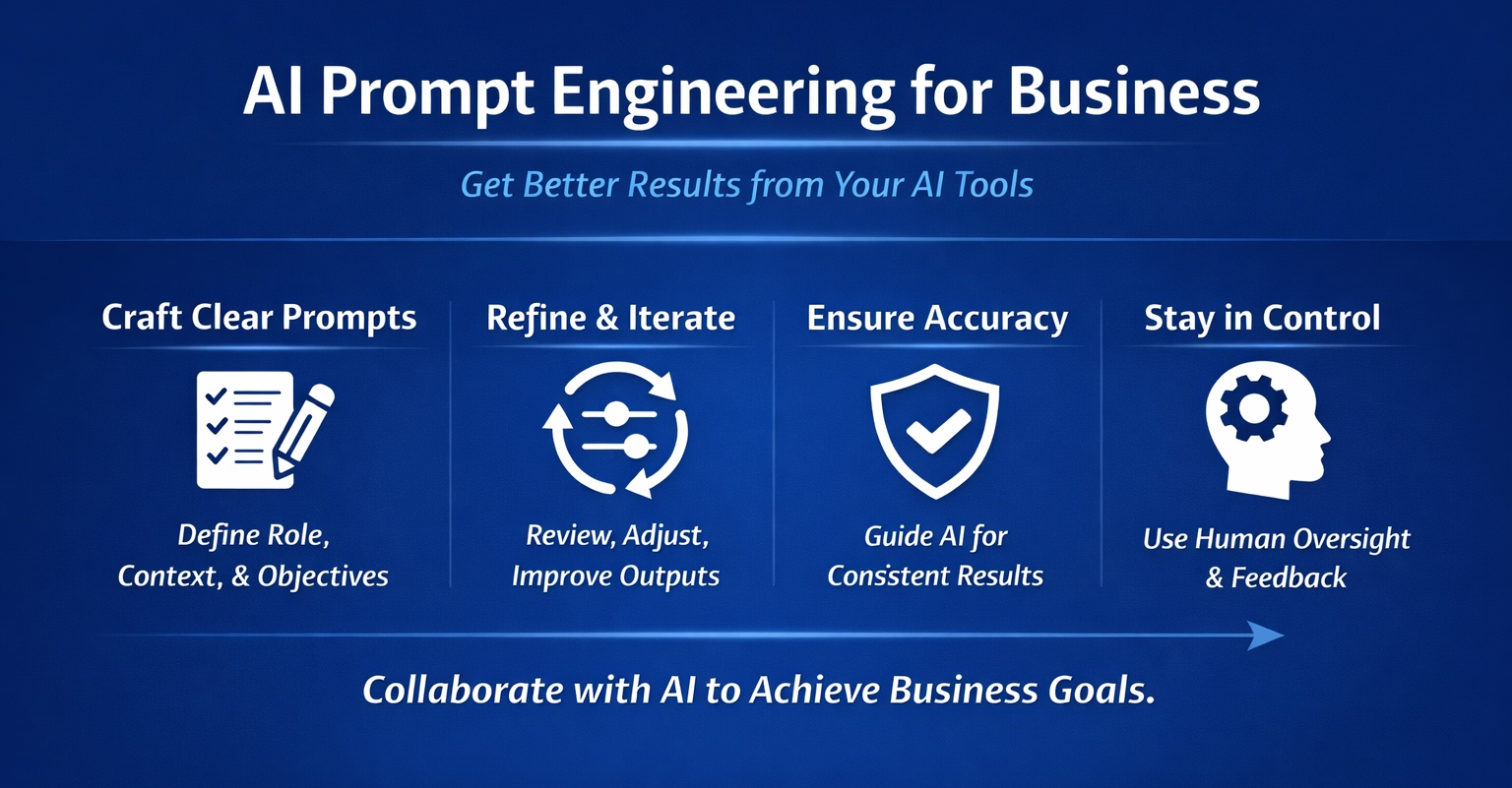
AI-generated content is rarely complete or polished on the first attempt. Iterative refinement treats AI as a collaborator rather than a one-time content generator.
The process begins with an initial draft, followed by targeted follow-up prompts that improve clarity, structure, and alignment. Each iteration brings the output closer to your intended result.
Common refinement actions include:
- Adjusting tone to better match a professional or client-facing audience
- Simplifying complex or overly technical language
- Reorganizing sections to improve flow and emphasis
- Expanding, reducing, or refocusing specific points
This mirrors how subject matter experts naturally work and fits well within Microsoft tools like Word and Outlook, where Copilot can refine content while preserving context. The result is higher-quality output without losing human oversight.

Put AI prompt engineering to work for your business
Unlock the full potential of AI with 10 proven prompt engineering techniques designed to elevate clarity, creativity, and measurable results. This practical white paper explores powerful strategies such as role-based prompting, structured reasoning, refinement, critique, and multi-perspective thinking, providing actionable frameworks and real-world examples you can apply immediately.
5. Apply instructions and constraints using AI prompt engineering
Clear instructions and constraints significantly improve AI usability. They reduce ambiguity and prevent outputs that are too long, too generic, or misaligned with expectations.
Instruction-based prompting tells AI exactly how to respond, rather than leaving interpretation open-ended. Constraints define the boundaries within which the response should fit.
Constraints may include:
- Word or character limits
- Tone, style, or reading level requirements
- Formatting or structural guidelines
- Terminology to include or avoid
For example, requesting a concise product description written in plain business language, without technical jargon, produces content that is closer to being publish-ready. This approach is particularly valuable when teams use Microsoft Copilot to create standardized content across multiple channels.
6. Use example-based or few-shot prompting
If AI does not reflect your organization’s voice, it is often because it has not been shown what that voice looks like. Example-based, or few-shot, prompting addresses this gap.
By providing one or more samples of existing content, you allow AI to infer tone, structure, and phrasing patterns. The model then uses those examples as a reference point for new output.
This technique works well for recurring content types, including:
- LinkedIn or social media posts
- Webinar or event invitations
- Internal announcements
- Executive summaries and briefings
Few-shot prompting helps maintain consistency across AI-assisted content while preserving your organization’s unique voice. Over time, this leads to outputs that feel more natural and require less editing.
7. Ask AI to analyze and critique your work
AI can also serve as an effective reviewer. Analysis prompting asks the model to evaluate existing content rather than generate something new.
You provide a draft and ask AI to identify weaknesses, suggest improvements, or clarify messaging. This accelerates editing and helps surface issues that may be easy to miss when reviewing your own work.
In Microsoft Outlook, for example, Copilot can review emails for clarity, tone, and effectiveness. This is especially useful during busy periods, when speed matters but quality still needs to be maintained.
This technique reinforces AI’s role as a support tool that enhances human judgment rather than replacing it.
8. Explore multiple perspectives
Many business challenges involve competing priorities and stakeholder concerns. Multi-perspective prompting asks AI to examine an issue from several viewpoints.
This approach is useful for strategy development, change management, and communication planning, where understanding trade-offs is essential.
Typical perspectives might include:
- Employees or end users
- Executives and business leaders
- Customers or partners
- IT and security teams
- Compliance or risk stakeholders
9. Use hypothetical scenarios for strategic planning
Hypothetical scenario prompting explores “what if” situations. It allows teams to test assumptions, identify potential risks, and uncover opportunities before making decisions.
By asking AI to imagine alternative futures or unfamiliar environments, you broaden the range of ideas considered during planning. This can surface challenges that might otherwise appear later in execution.
For example, exploring how a product launch might differ in another region or industry can highlight cultural, regulatory, or messaging considerations early in the process. AI serves as a structured sounding board, while final decisions remain firmly with human leaders.
10. Improve your prompts with meta prompting
Meta prompting uses AI to help you become a better prompter. Rather than refining outputs directly, you ask the model to critique or improve your prompts.
This creates a feedback loop in which each interaction becomes more effective than the last.
Examples of meta prompting include:
- Asking for alternative ways to phrase a question
- Requesting suggestions to make prompts more specific or actionable
- Identifying missing context, assumptions, or constraints
Over time, this approach builds prompting literacy across teams. Since access to AI tools is widespread, the ability to use them well becomes a meaningful differentiator.
Prompt engineering for business users
Watch this video to learn how AI prompt engineering for business can help your team generate better outputs, improve consistency, and stay in control of quality. Discover practical techniques you can apply immediately to get more value from your AI tools.

Why prompt engineering matters in Microsoft environments
Microsoft AI tools are designed to integrate directly into everyday work. Whether embedded in Dynamics 365, Microsoft 365, or custom applications, AI outputs increasingly influence decisions, communications, and operations.
Prompt engineering ensures these outputs are accurate, relevant, and aligned with business intent. Without it, organizations risk treating AI as a novelty rather than a strategic capability.
The most successful teams view AI as a skill multiplier. They combine strong prompting techniques with domain expertise, governance, and change management to drive measurable value.
Frequently asked questions about AI prompt engineering
What is prompt engineering for business?
AI prompt engineering for business is the practice of giving AI clear, structured instructions so it produces accurate, relevant, and usable outputs for real business needs. Rather than treating AI like a simple search tool, businesses use prompt engineering to guide tone, context, format, and objectives.
Why is prompt engineering important when using AI tools?
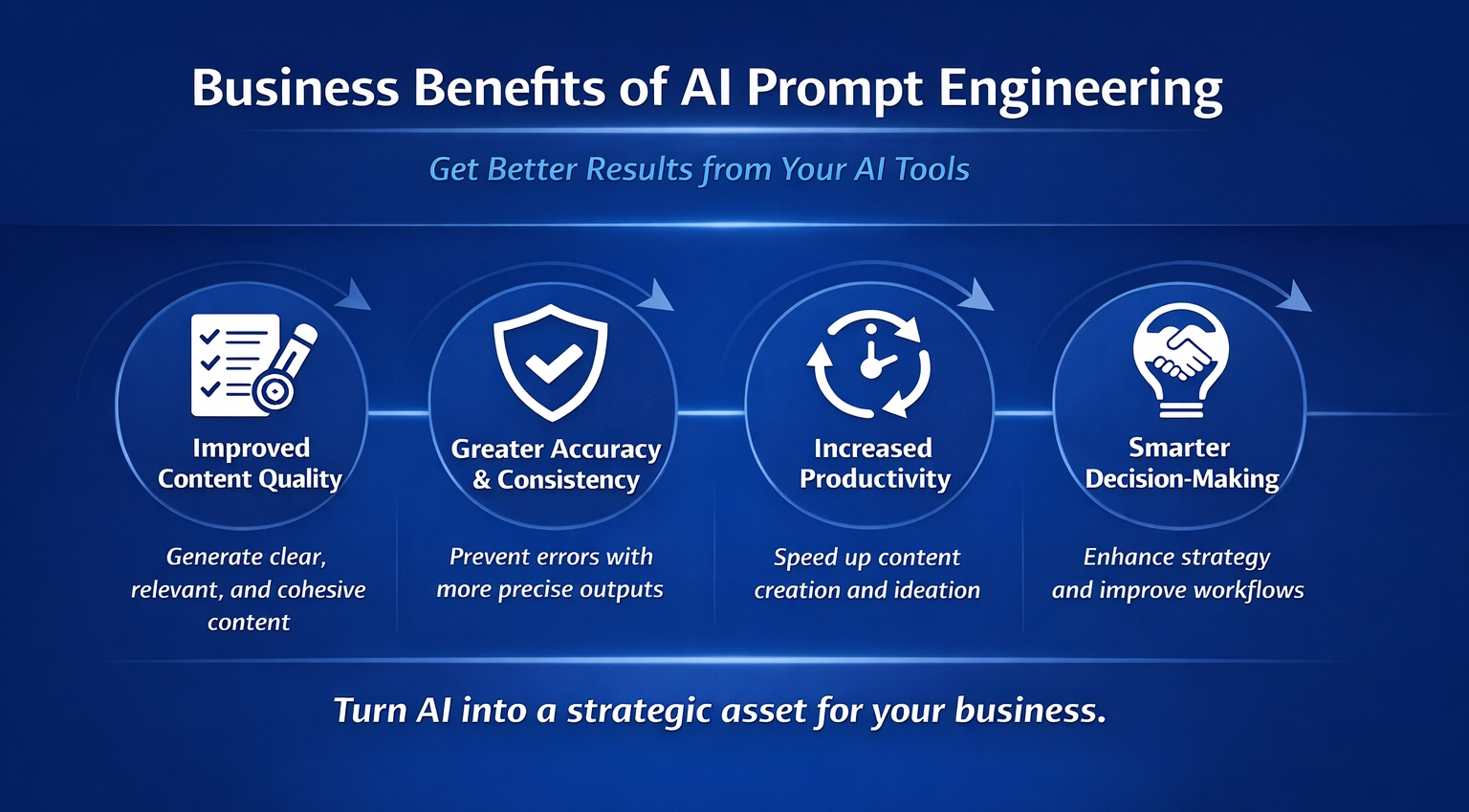
AI tools generate responses based on the inputs they receive. Strong prompt engineering helps reduce vague, generic, or inaccurate outputs by providing clarity and direction. This allows teams to save time, improve quality, and get results that better align with business goals and brand standards.
Can prompt engineering improve AI accuracy and consistency?
Yes. By assigning roles, setting constraints, and refining prompts iteratively, prompt engineering improves both accuracy and consistency. These techniques help AI stay focused on the intended audience, use the right level of detail, and maintain a consistent tone across different outputs.
Do you need technical skills to use prompt engineering effectively?
No. AI prompt engineering for business is a communication skill, not a technical one. Anyone who understands their audience and objectives can use prompt engineering techniques to collaborate effectively with AI.
How can businesses collaborate with AI while staying in control?
Businesses stay in control by using AI as a drafting and ideation partner rather than a final decision maker. Through iterative refinement, reviewing, adjusting, and guiding outputs, teams ensure AI-generated content aligns with their strategy, brand voice, and quality standards.
Next steps
Prompt engineering is not about manipulating AI systems. It is about communicating clearly, setting expectations, and applying judgment throughout the process. When used effectively, Microsoft AI solutions become practical extensions of your teams rather than disconnected tools.
Rand Group helps organizations move beyond experimentation by embedding AI thoughtfully into Microsoft platforms. From Copilot readiness and governance to Dynamics 365 and Power Platform implementations, our consultants help clients design AI strategies that are secure, practical, and aligned with business goals.
If you are looking to improve how your organization uses Microsoft AI tools, or want to identify where AI can deliver the most value, start with contacting Rand Group. A focused assessment or guided workshop can help your team build confidence, capability, and consistency in how AI is applied across the business.